Push-to-talk only
Transmission is intentionally limited to held PTT, with optional delay, hardware bindings, and simplex behavior so the app listens when you are not transmitting.
Android Mumble radio client
A purpose-built virtual push-to-talk radio app for Mumble servers, focused on simple channel operation, certificate-backed identity, and one-way radio discipline.
What it does
MumRadio is not a general chat client. It keeps the interface centered on the current channel, push-to-talk, and reliable reconnect behavior.
Transmission is intentionally limited to held PTT, with optional delay, hardware bindings, and simplex behavior so the app listens when you are not transmitting.
The main screen emphasizes the current channel, swipe navigation, menu-based movement, optional spoken announcements, and a configurable monitor shortcut.
Save servers, test TLS trust, load channel lists, choose a default channel, select TCP tunnel or UDP voice, and reconnect after loss.
Hardware keys and Bluetooth RFCOMM/SPP devices can trigger transmit, release, channel movement, and priority-channel commands.
The app captures microphone audio during PTT, encodes and decodes Opus with bundled native codec support, and plays server audio while idle.
Public app features include recording history, storage limits, debug log viewing/export, paging diagnostics, audio diagnostics, and battery usage views.
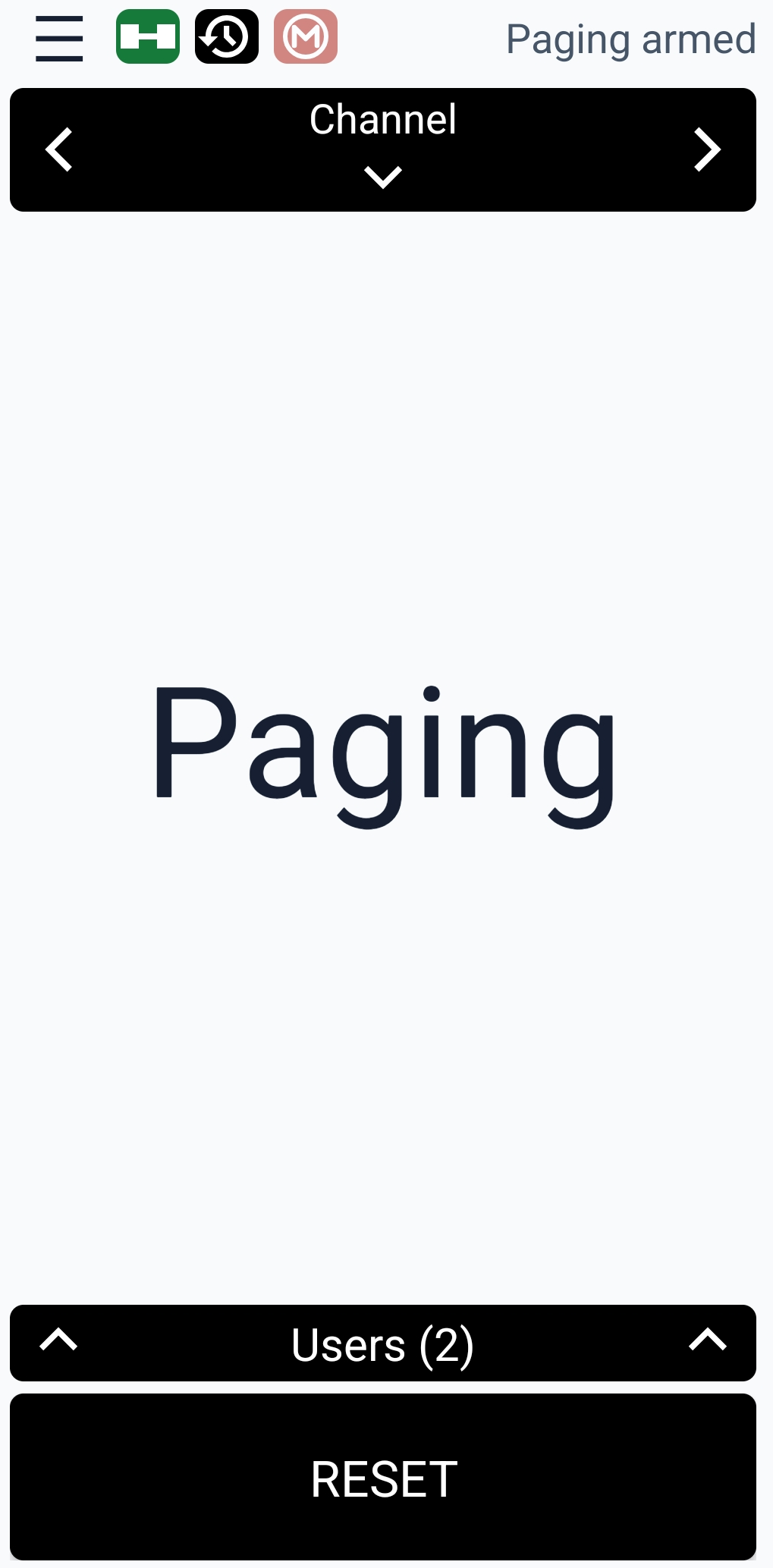
Monitor two- or three-tone paging sequences, detect active pages, play alerts continuously or for a duration, and keep diagnostics available for tuning.
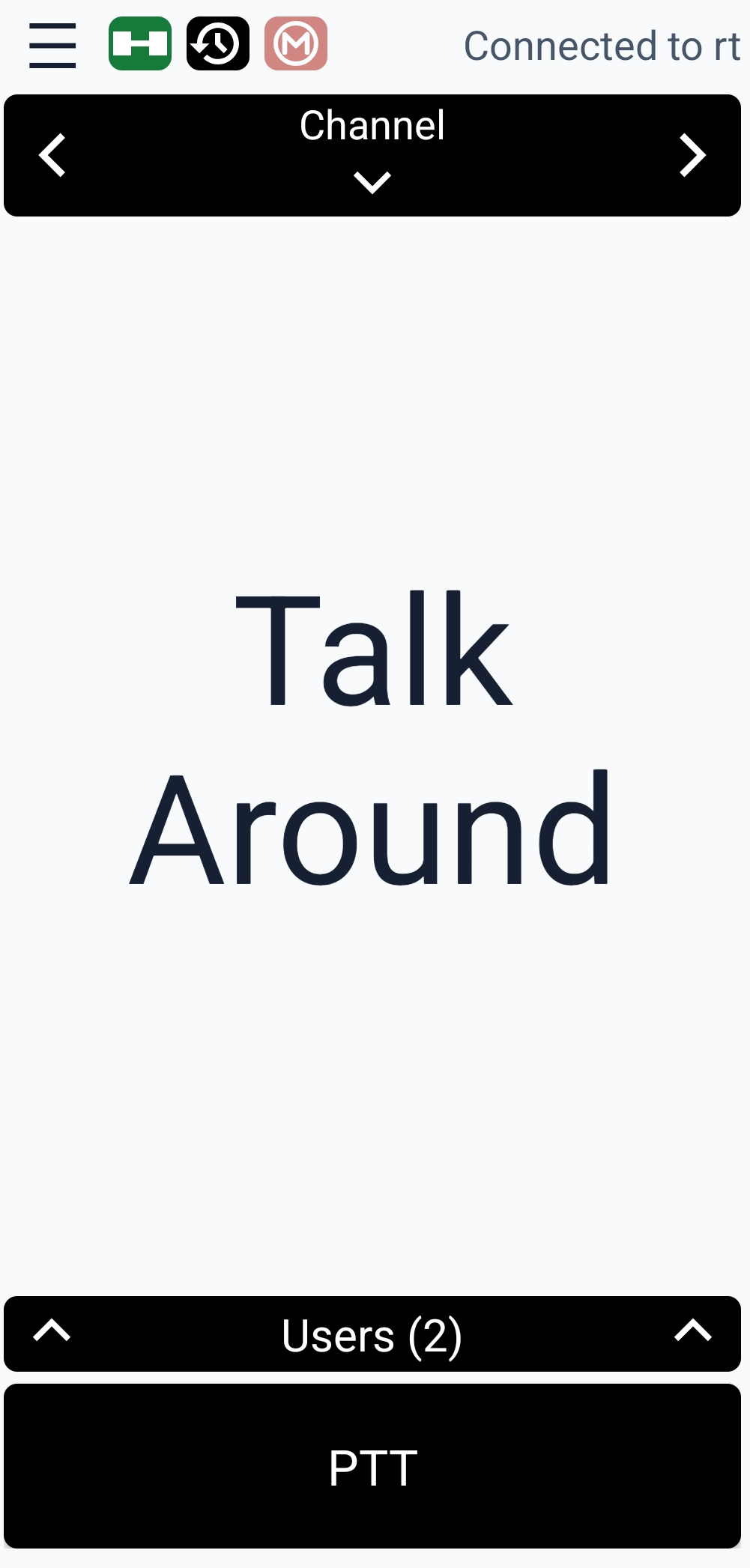
The main view shows connection status, quick shortcuts, channel navigation, the expandable Users panel, and the large PTT control in one radio-style screen.
The Paging Settings screen selects the monitor channel, enables paging, and tunes each tone by frequency, bandwidth variance, and minimum duration.
Button Assignments can enable Bluetooth SPP hardware PTT, choose a device, bind external PTT and channel buttons, set PTT delay, and assign a priority channel.
Channel Settings chooses the default channel, enables monitor mode, selects the channel where monitoring is active, and picks the channel whose audio should be played.
Recording Settings can enable voice recording, cap storage usage, record the current or selected channel, and switch between app storage and a chosen save folder.
When transmit begins, the status changes to Starting transmit and the PTT button changes color so the active talk state is obvious at a glance.
Identity and trust
MumRadio creates a self-signed client certificate on-device before connecting, presents it during the Mumble TLS handshake, and stores private key material encrypted at rest with AndroidKeyStore-backed protection.
App areas